Shop owners › Getting started
Counter phones
Any phone or tablet with a camera becomes your counter. Pair it once; your team then starts each shift with their PIN.
Any phone or tablet with a camera and a browser works. There is nothing to install and no extra hardware.
Pair a phone
- In your dashboard, open Counter devices and tap Pair a device. Give it a name, like Front counter.
- You get a 6-digit code. It works once and for 15 minutes.
- On the counter phone, open your shop's counter: tap Open counter app in the dashboard, or scan the code on the Set up page with the phone.
- Type the 6-digit code. The phone is now your counter. Your team types their PIN to start.
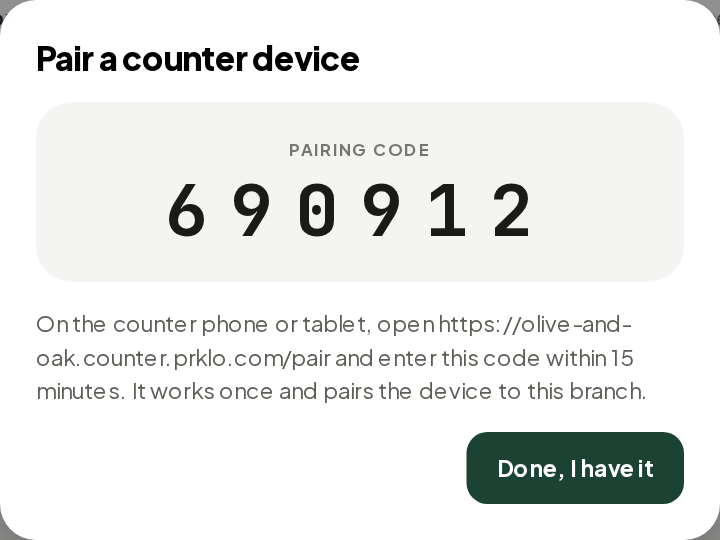
The dashboard shows Not paired yet until the phone uses the code, then Just paired.
While it is in use
- The counter locks itself after a few quiet minutes (5 by default; change it on Program). The next person types their PIN.
- Every stamp records the branch and the person.
- You see who is on shift on Counter devices.
A lost or replaced phone
On Counter devices, tap Remove next to it. Whoever is on shift is signed out at once and the phone can no longer be used. Pair the new phone with a new code.
Was this page helpful?
Not reallyThanks for telling us.
Next: Posters and join links →