Shop owners › Getting started
Posters and join links
Ready-made posters in your colours with your QR, and named links to see where your members come from.
Customers join by scanning your QR. The more places they see it, the more of them join.
Download your posters
Open Branches and tap Posters on a branch, or on a join link for posters with that link's QR (handy for Instagram). The same downloads are on the poster step of Set up. Each set carries its own QR:
- Counter poster (A5, PDF): print it and stand it next to the till.
- Wall poster (A4, PDF): for the door or the wall.
- Table tent (A4, PDF): print, fold in half, and stand it on tables.
- Instagram post (PNG): shows your real card as it looks in Apple Wallet.
- Instagram story (PNG): add a link sticker with your join link.
- Customer one-pager (A4, PDF): how to join, in four steps, for the counter or the menu.
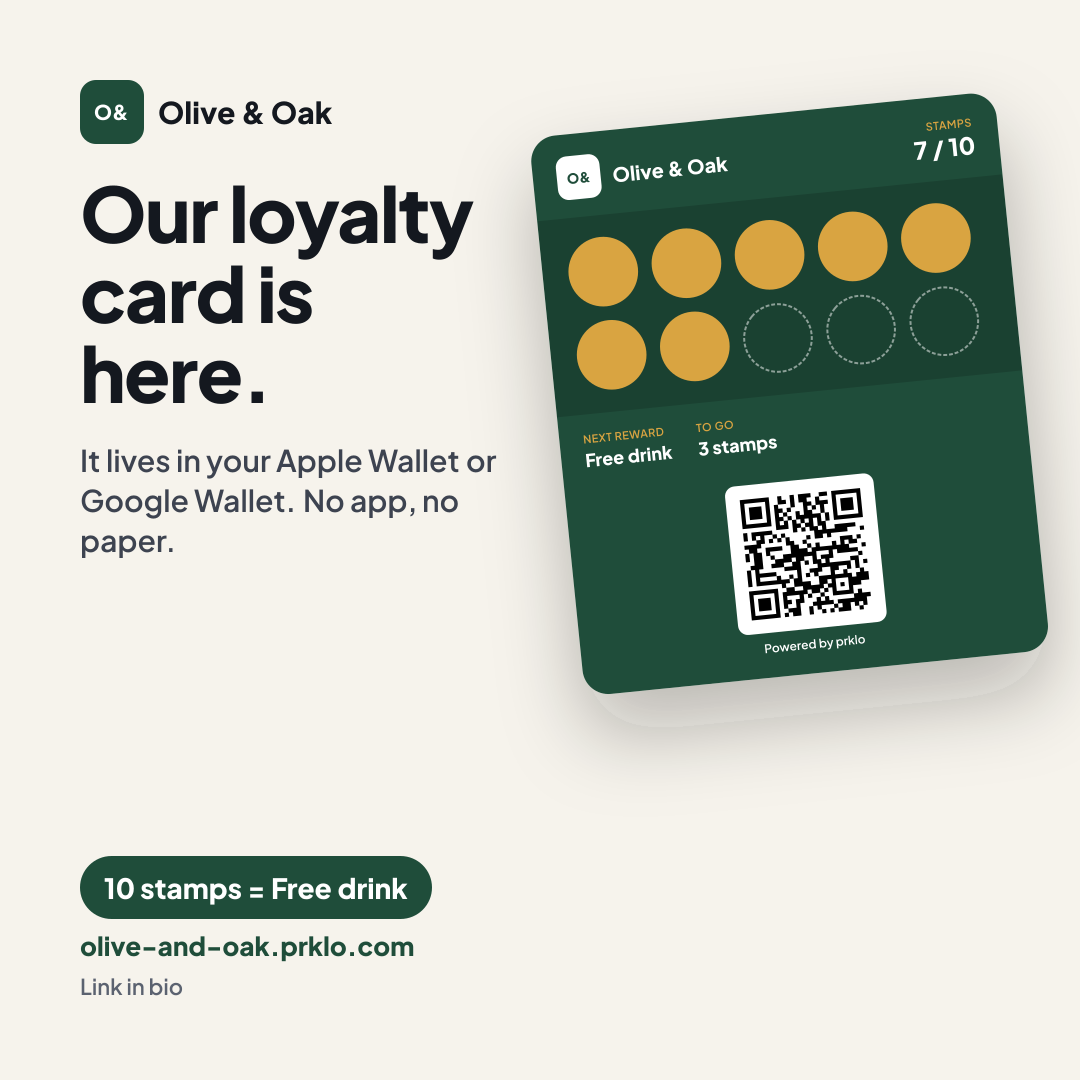
Tip: print at 100% (actual size). The posters are made for A5 and A4 paper.
Branch QRs
Every branch has its own QR. Members who join through it are counted under that branch. Find each one on Branches under Download QR.
Join links for Instagram and your website
On Branches, under Join links, tap New link and name it, for example Instagram. Share that link in your bio or on your site. Everyone who joins through it is counted under its name, so you can see which place brings you members.
Was this page helpful?
Not reallyThanks for telling us.
Next: Reading the Overview →